PakVIP Account Blocked or Restricted – Reasons and Next Steps
Seeing a message that your PakVIP account is blocked, frozen or restricted can be worrying, especially if you have a balance. A restriction can range from a temporary lock after wrong passwords to a review linked to payments or account rules. This guide explains the usual reasons and the safest next steps.
18+ notice: Pakvipapks.pk is an independent information site, not the official PakVIP operator. Account rules are set by the platform, so the message inside your own account is the most reliable guide.
Temporary Lock or Account Restriction?
Not every block is the same. A temporary security lock usually happens after several wrong passwords or OTP attempts, and it often clears after a waiting period or a password reset. An account restriction is different: it may limit deposits, withdrawals, games or bonuses while the platform reviews the account. The wording of the message in the app or browser usually tells you which one applies.
Common Reasons a PakVIP Account Is Blocked
- Too many failed login attempts. Repeated wrong passwords or codes can trigger a security lock.
- Multiple accounts. Extra accounts using the same number, device or payment details are usually against platform rules.
- Bonus misuse. Using several accounts to repeat an offer can lead to restrictions and cancelled bonuses.
- Payment problems. Disputed or reversed payments, or payment details that do not belong to the account holder, may trigger a review.
- Incomplete verification. Some accounts are limited until the mobile number or identity is confirmed.
- Age rules. Accounts that appear to belong to someone under 18 may be closed.
- Suspected unauthorised access. A login from a new device or unusual activity may lock the account to protect it.
What to Do First
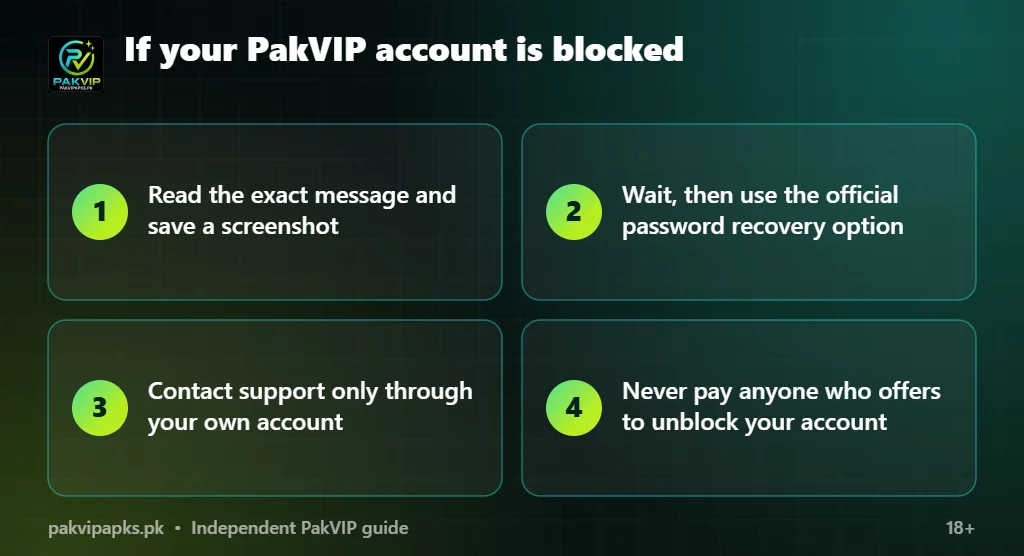
- Read the full message and take a screenshot with personal details hidden.
- If it is a login lock, wait before trying again and use the official password recovery option instead of guessing.
- Check your SMS inbox for security messages connected to your registered number.
- Note your account identifier, balance and the date the problem started.
The PakVIP Login page explains sign-in and password recovery step by step, and PakVIP OTP Not Received covers verification code problems.
How to Ask Support for a Review
Use the help option inside your account or another channel you have verified yourself. Explain the problem briefly and include the date, the exact message and any recent change, such as a new phone or a new payment number. Ask what is needed to resolve the issue and how long the review usually takes. Do not send your password, OTP, wallet PIN or clear photos of your CNIC to a chat that contacted you first.
What Not to Do
- Do not create a new account to get around the block.
- Do not pay anyone who promises to “unblock” the account for a fee.
- Do not keep requesting codes or guessing passwords.
- Do not share your login details with friends or agents.
Paid “unblock” services are a common scam. Read PakVIP Real or Fake? for the warning signs.
If Your Balance Is Locked
A restriction can temporarily stop withdrawals. Ask support whether the balance will remain available after the review and what the expected timeframe is, and keep your own record of deposits and withdrawals. If a withdrawal was rejected before the block, PakVIP Withdrawal Rejected lists the checks to make.
Frequently Asked Questions
Play responsibly. If an account block comes after losing more than you planned, treat it as a chance to take a break rather than a problem to rush around.