How to Close a PakVIP Account or Take a Break
Deciding to stop or take a break from real-money gaming is a positive step. Uninstalling the app is a good start, but an open account and saved payment details make it easy to come back. This guide explains what to do before closing, how to request closure and how to make the break stick.
Note: Pakvipapks.pk is an independent information site, not the official PakVIP operator, and cannot close accounts. Only the platform can close or restrict your account.
Before You Close Your Account
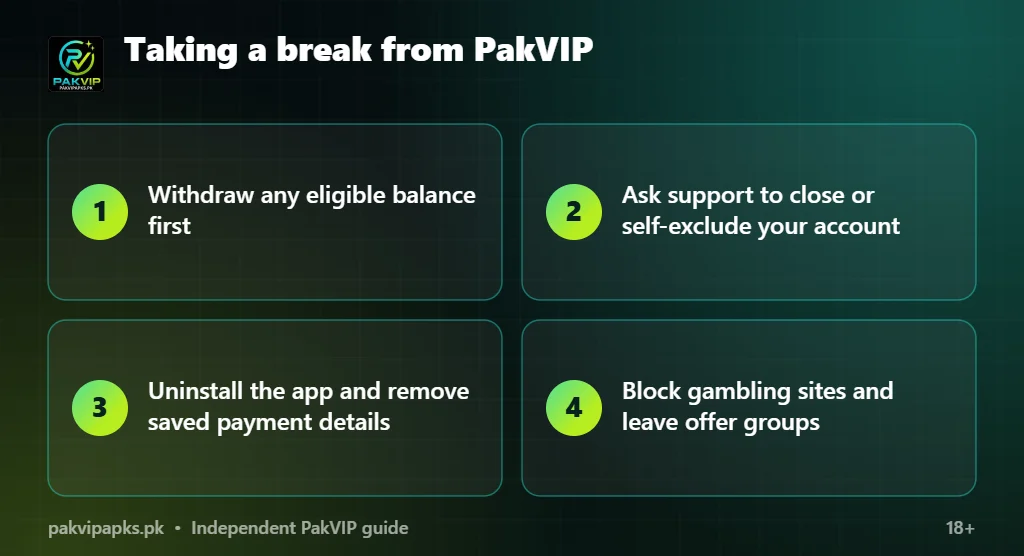
- Check your withdrawable balance and request any eligible withdrawal first.
- Wait until pending deposits and withdrawals have finished.
- Take screenshots of your balance and transaction history for your own records.
- Remember that unused bonus balance is usually lost when an account closes.
How to Request Account Closure
Look for an option such as “Delete account”, “Close account” or “Self-exclusion” in the profile, security or settings area of the app. If there is no such option, contact support through your account and ask clearly for the account to be closed or self-excluded, and ask them to confirm it in writing.
Use clear wording such as “Please close my account permanently” or “Please exclude me for six months”, rather than “I might stop playing”.
Temporary Break or Permanent Closure?
A short break can help if you simply want time away. Self-exclusion or permanent closure is the better choice if you have found it hard to stick to your limits. If you are unsure, choose the longer option.
Make the Break Stick
- Uninstall the app and delete any downloaded APK files.
- Remove saved wallet or card details from the account and your phone.
- Leave Telegram and WhatsApp groups that share gaming offers, codes or signals.
- Unsubscribe from promotional SMS and emails.
- Install a free blocking tool such as BetBlocker.
- Tell someone you trust, so they can support you.
Avoid creating a new account later “just to check”. A new account makes it easy to slip back into old habits, and duplicate accounts can break platform rules.
If Someone Keeps Contacting You
If agents or “VIP managers” message you with offers after you have closed your account, block them and do not reply. Never share your OTP or account details with them. PakVIP Real or Fake? explains how these contacts often work.
Getting Support
If stopping feels difficult, you are not alone. Talk to someone you trust, or to a doctor or mental-health professional. PakVIP Responsible Gaming covers the warning signs of a problem and other places to find support.